Open House
Open house email templates
An open house email turns a listing into a date in someone’s calendar. These designs make the date, time and address hard to miss, and several include an RSVP or calendar button. There are layouts for a single home, a weekend tour with several stops, an evening preview, private showings by appointment and a recap for following up with visitors.
The Open House designs
-
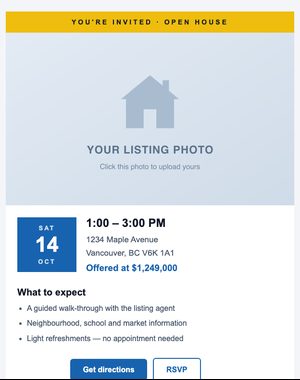
Classic
Invite people to an open house with a bold date badge, time, and RSVP button.
-
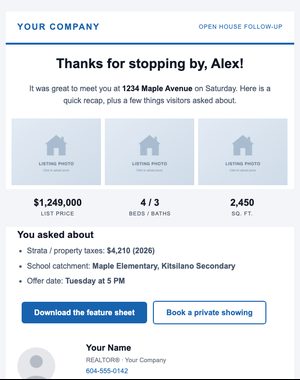
Recap
Follow up after an open house: thank visitors, share highlights and offer a private showing.
-
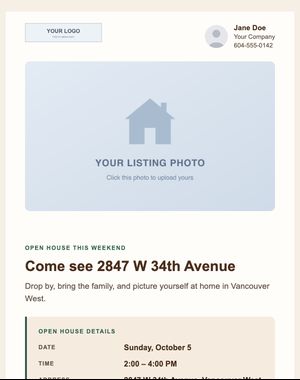
Neighbourhood
Warm, family-friendly open-house invitation with a highlighted date/time panel and add-to-calendar button.
-
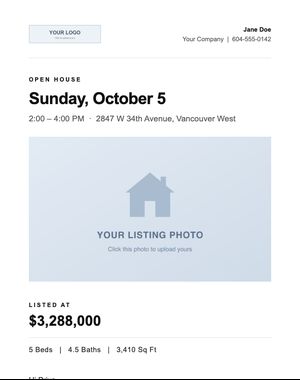
Modern Minimal
Date-first open-house notice: large headline, inset photo, details panel and one button.
-
Luxury Showcase
Invitation-style private preview on a dark, gold-accented layout with RSVP and calendar buttons.
-
Date Badge
Open House email with a photo and a bold date and time badge.
-
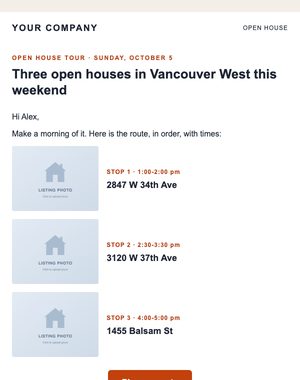
Open House Tour
Open House email with three stops with times and photos.
-
Twilight Preview
Open House email with an evening invitation with a short timeline and RSVP.
-
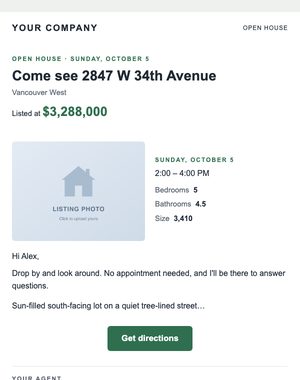
Side by Side
Open House email with a photo beside the date, time and key facts.
-
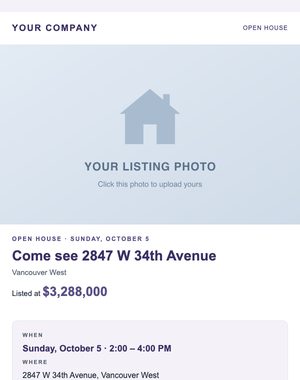
Details Card
Open House email with a photo, a when-and-where card and the highlights.
-
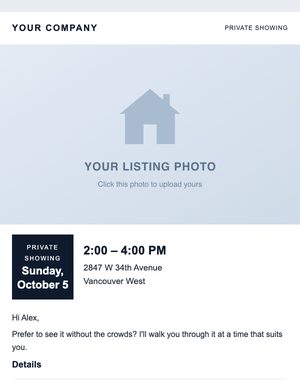
Date Badge
Private Showing email with a photo and a bold date and time badge.
-
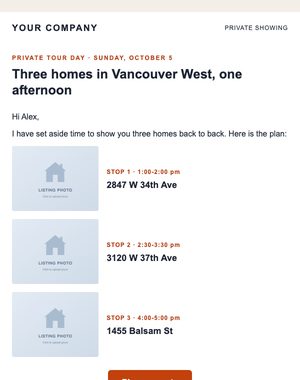
Open House Tour
Private Showing email with three stops with times and photos.
-
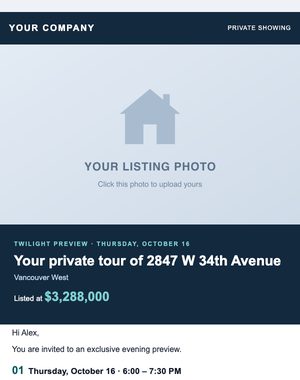
Twilight Preview
Private Showing email with an evening invitation with a short timeline and RSVP.
-
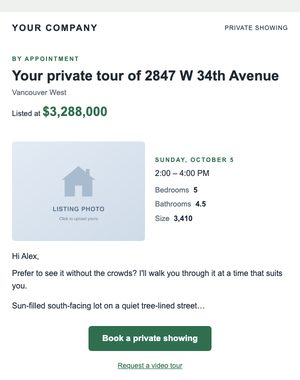
Side by Side
Private Showing email with a photo beside the date, time and key facts.
-
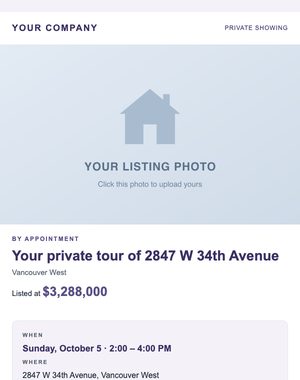
Details Card
Private Showing email with a photo, a when-and-where card and the highlights.
Previews show sample content. Your own name, photo, logo and contact details replace it when you use a design.
When to send it
- Invite active buyers in the area a few days before the weekend.
- Offer a private showing to serious buyers who can’t make the public open house.
- Promote a weekend tour of several listings in one email.
- Follow up afterwards with the recap design: thank visitors, share highlights and offer a private viewing.
Tips for a better response
- Send the invitation a few days ahead so people can plan, and a short reminder the day before.
- Put the address and the time in the subject line or preview text, not only in the image.
- Only add visitors to your mailing list with their permission. A sign-in form that asks for consent gives you the record you need.
Make it yours in minutes
Your saved branding replaces the sample name, photo, logo and contact details as soon as you pick a design. Change the words and photos, drag in or remove sections, and personalise the greeting with each contact’s first name. Preview it on a phone, send yourself a test, and send it now or schedule it.
- Every block editable
- Compliance footer added automatically
- Opens and clicks reported per email
Related templates
- Just Listed Announce a new listing with the photos, price and key facts, or build interest first with a Coming Soon teaser. See the designs
- Price Reduction Show a new price clearly, with the old price struck through, a before-and-after layout or a back-on-market alert. See the designs
- Buyer Follow-Up Buyer guides, a first-time buyer walkthrough, an open house recap and a mortgage rate update. See the designs
Try these designs with your own branding
Try it with the 10-day free trial: up to 100 contacts and 250 email sends. Plans start at $25 USD/month, priced by your active contacts.