Just Sold
Just Sold email templates
A sale shows that you get results. Just Sold emails share it with the people most likely to care: neighbours wondering what their own home is worth, buyers who are still searching and past clients who might refer you. There are designs for list-versus-sold figures, sold-over-asking results and recent sales nearby, plus Under Contract designs for a deal in progress.
The Just Sold designs
-
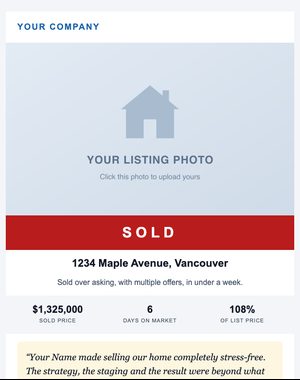
Classic
Celebrate a sale with the numbers, a client testimonial, and a home-valuation call to action.
-
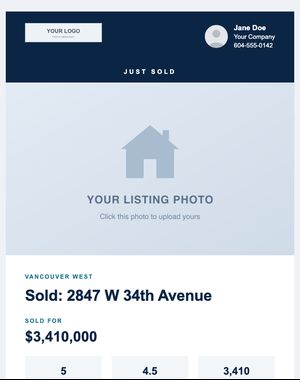
Bold Banner
Bold brand-band header and SOLD ribbon over a full-width photo, with list vs. sold figures.
-
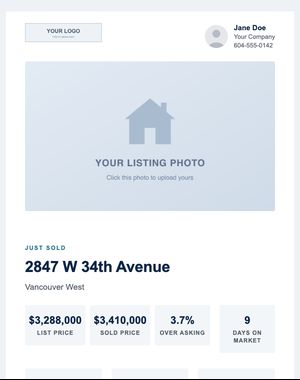
Property Grid
Sold announcement with 4-up result tiles, attribute tiles and a photo gallery.
-
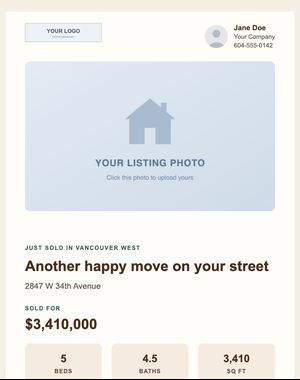
Neighbourhood
Neighbourly sold notice with attribute tiles and a client testimonial.
-
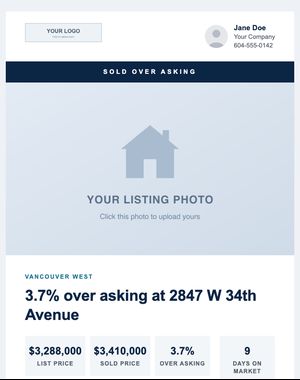
Sold Over Asking — By the Numbers
Results-forward: list vs. sold, percent over asking, offers received and days on market.
-
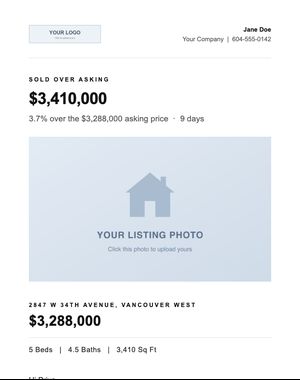
Sold Over Asking — Modern Minimal
Headline result in large type, inset photo, inline attributes.
-
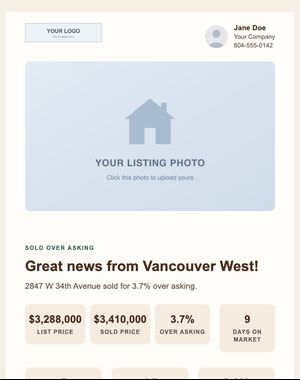
Sold Over Asking — Neighbourhood
Celebratory sold-over-asking story with result tiles and a seller testimonial.
-
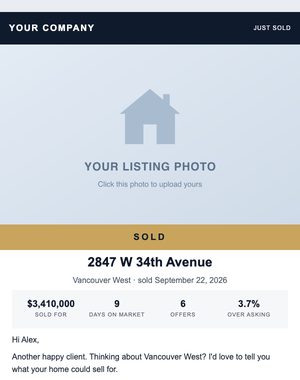
Sold Stamp
Just Sold email with a photo, a SOLD stamp and the sale results.
-
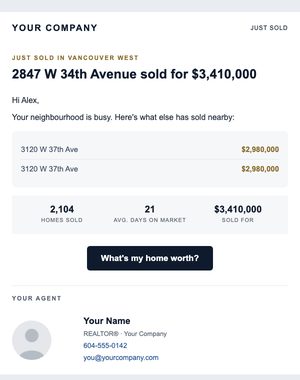
Neighbourhood Sales
Just Sold email with the sale plus other recent sales nearby.
-
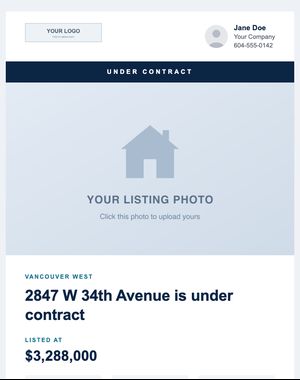
Classic
Status ribbon, full-width photo, listing attributes and a deal-summary panel.
-
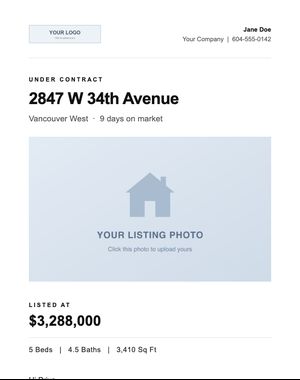
Modern Minimal
Typographic under-contract update with inset photo and inline attributes.
-
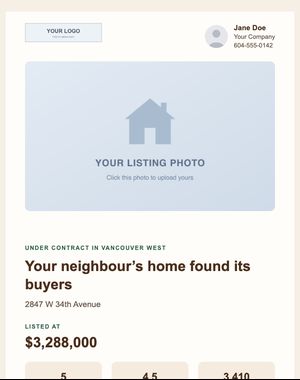
Neighbourhood
Warm neighbourhood update with attribute tiles and a "get similar homes" call to action.
Previews show sample content. Your own name, photo, logo and contact details replace it when you use a design.
When to send it
- Tell homeowners in the same area, with an offer to estimate what their home might sell for.
- Show buyers who missed out that you know the neighbourhood, and invite them to tell you what they’re looking for.
- Thank your sellers and share the news with the people who helped along the way.
- Send an Under Contract update to everyone who asked about the listing.
Tips for a better response
- Ask your sellers before you share the sale price or a testimonial, and follow your board’s rules on when sold information can be advertised.
- Pair the result with a next step. Several of these designs already include a home valuation button.
- Keep the numbers honest and clearly labelled: list price, sale price and days on market say more than adjectives.
Make it yours in minutes
Your saved branding replaces the sample name, photo, logo and contact details as soon as you pick a design. Change the words and photos, drag in or remove sections, and personalise the greeting with each contact’s first name. Preview it on a phone, send yourself a test, and send it now or schedule it.
- Every block editable
- Compliance footer added automatically
- Opens and clicks reported per email
Related templates
- Just Listed Announce a new listing with the photos, price and key facts, or build interest first with a Coming Soon teaser. See the designs
- Monthly Market Updates Monthly statistics, charts, price tables, postal code reports, seasonal updates and a mortgage rate update. See the designs
- Seller Follow-Up Home valuation offers, equity check-ins, seller prep guides, expired listing letters and buyer-wanted letters. See the designs
Try these designs with your own branding
Try it with the 10-day free trial: up to 100 contacts and 250 email sends. Plans start at $25 USD/month, priced by your active contacts.